Mississauga, ON – August 30, 2025 – We’re thrilled to bring you this month’s exciting product updates from Zenduit! Our new features and enhancements are all about optimizing your fleet management experience. From smarter data controls and enhanced safety features to more intuitive reporting and streamlined feedback tools, these updates are designed to boost efficiency, simplify your workflows, and keep your fleet operations running smoothly.
Dive into the latest updates below and discover how Zenduit is helping you stay ahead and manage your fleet with greater security and ease!
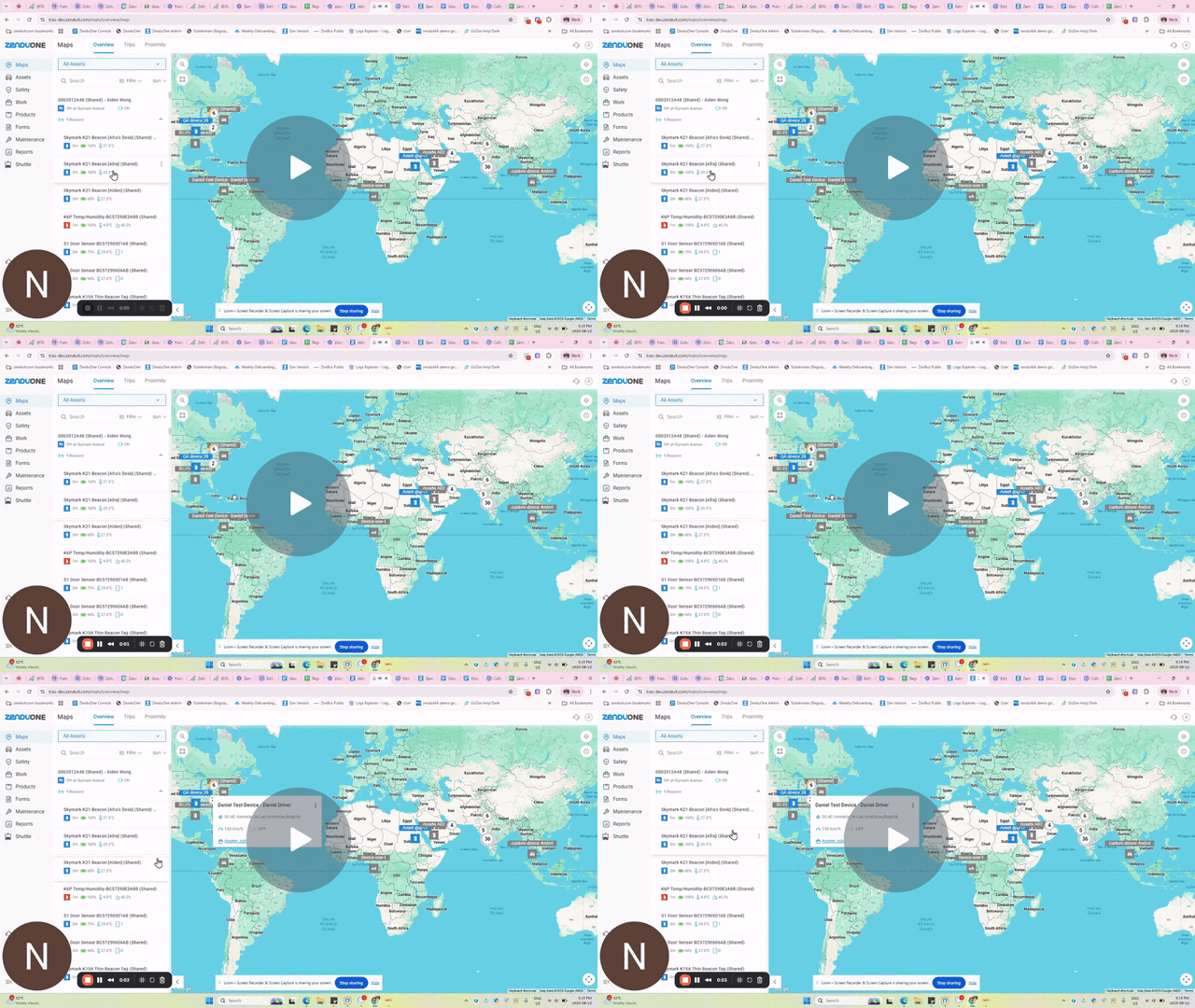
Only The Right Beacons, Everytime With ZenCAM Plus Whitelisting
We’ve introduced a Beacon Whitelisting feature for ZenCAM Plus, giving you full control over which beacons are allowed to connect to your gateway.
Key Updates
- New Whitelisted Beacons section under Assets.
- Enable beacon whitelisting per gateway to restrict connections.
- Select individual beacons through a searchable list.
- Bulk upload option available with a downloadable MAC ID template.
- Easily toggle whitelisting on/off to control gateway connections.
Why It Matters
Previously, all nearby beacons could connect to a ZenCAM Plus gateway, which made it harder to manage specific devices. With whitelisting, you can now restrict connections to approved beacons only, enhancing security, reducing noise from unnecessary connections, and improving overall device management.
Watch Video to Learn More →
Know When Your Fleet Moves — ZenCAM Now Tracks Ignition Status
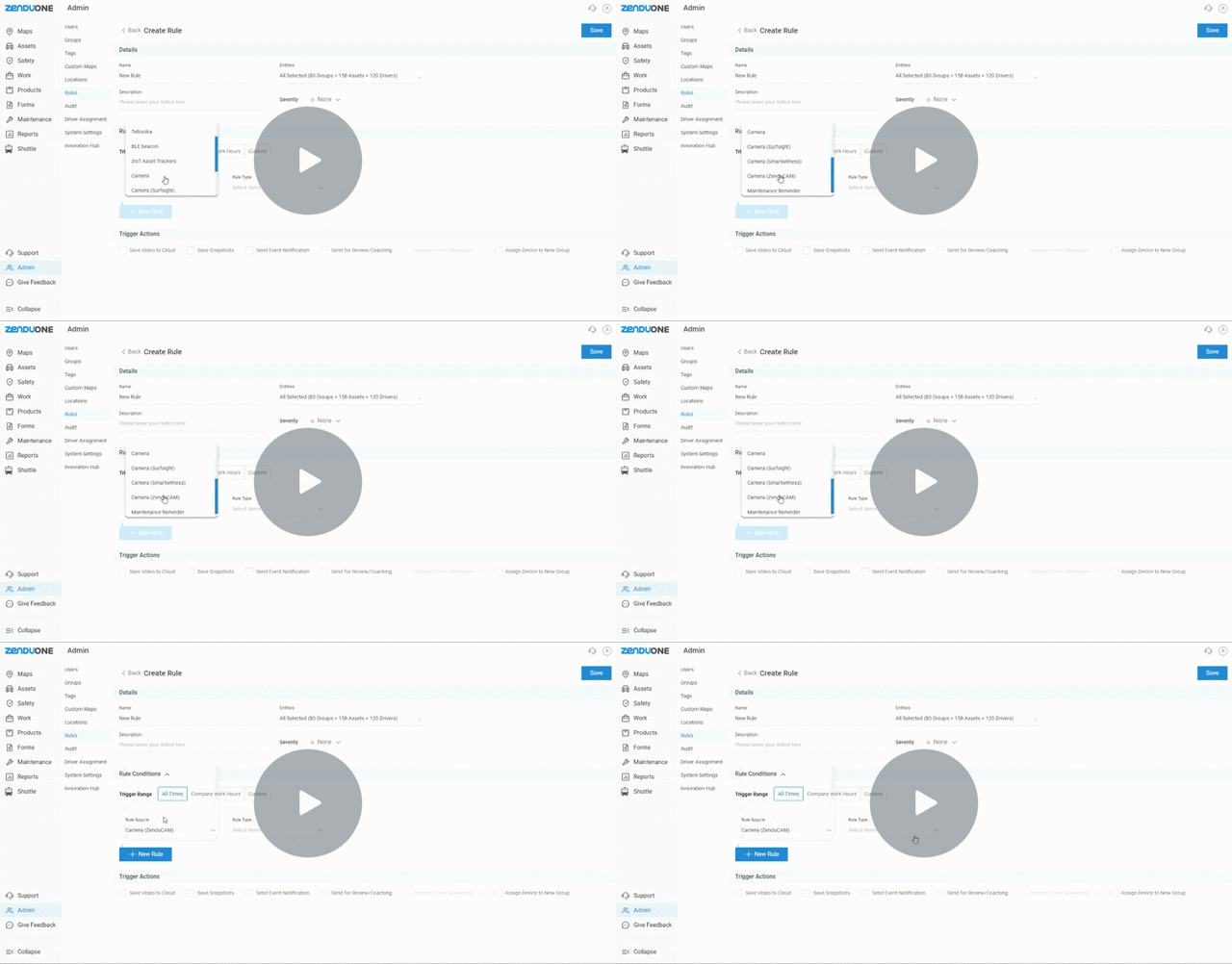
ZenCAM now supports Ignition On/Off rules, giving you greater control and visibility into vehicle usage.
Key Updates
- New Ignition On and Ignition Off rules for ZenCAM.
- Receive alerts when ignition is turned on or off.
- Combine with other applications (e.g., trigger ranges) to set custom alerts outside company hours or within specific timeframes.
- Alerts can include video clips or snapshots for added context.
Why It Matters
With this update, fleet managers gain stronger oversight of vehicle activity, especially outside business hours. It enhances security, helps detect unauthorized usage, and improves visibility into fleet utilization.
Watch Video →
See Every Connection, Every Time
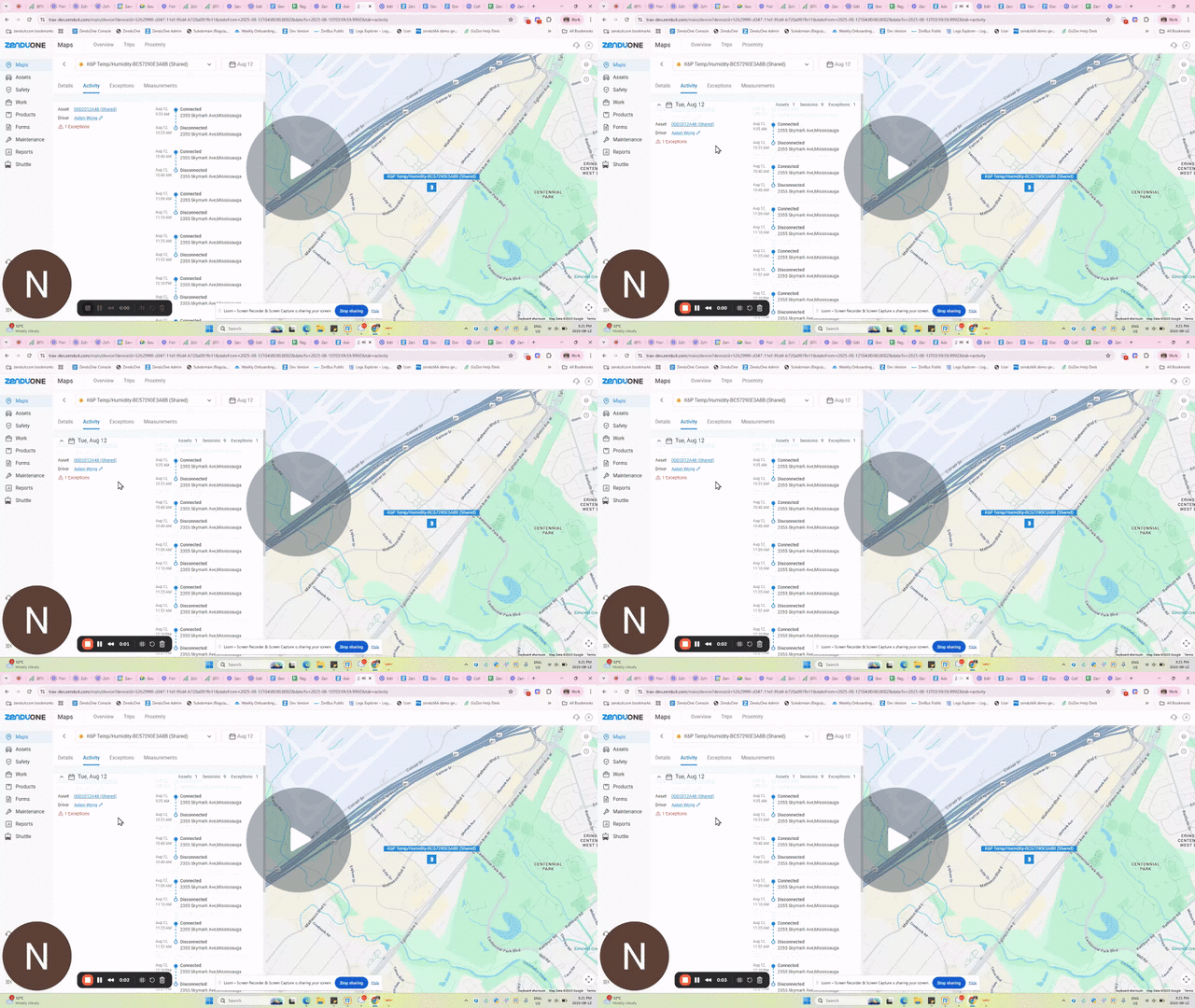
A new Activity Tab has been introduced for beacons, providing detailed visibility into connection and disconnection events
Key Updates
- Track when and where a beacon connects or disconnects.
- View the gateway the beacon is connected to.
- See the number of exceptions triggered each day.
- Review detailed connection/disconnection sessions and gaps.
- Easily access the tab by clicking on a beacon and selecting Activity.
Why It Matters
Previously, monitoring beacon activity required manual checks and lacked historical detail. With the Activity Tab, fleet managers gain clear insights into beacon usage, connection reliability, driver activity gaps, and exception history – helping improve accountability and operational efficiency.
Watch Demo →
ZenCam Now Talks Your Drivers’ Language
This release introduces Spanish text-to-speech (TTS) support in our ZenCAMs, enabling fleet managers to communicate coaching messages directly to drivers in Spanish for both rule-based alerts and live-stream interactions.
Key Updates
- New language option in text-to-speech: English or Spanish.
- Spanish coaching messages now play in audible Spanish voice.
- Works for both rule-based event notifications and live-stream driver coaching.
Why It Matters
Previously, Spanish text was being converted into English TTS, making it difficult for Spanish-speaking drivers to understand alerts and coaching messages. With this update, drivers can now receive clear, context-accurate coaching in their own language, improving safety, compliance, and overall communication across Spanish-speaking fleets.
Spanish Text-to-Speech Support in ZenCAM: Watch Video to learn more →
Multiple Streaming Protocol Support on ZenCAM Devices
ZenCAM devices now support multiple streaming protocols—FLV and HLS—for live streaming, giving users more flexibility and reliability in their streaming setup.
Key Updates:
- Users can now choose between FLV and HLS protocols when live streaming from ZenCAM devices.
- Provides a fallback option in case one protocol encounters issues or instability.
- Switching protocols can be done based on preference, performance, or compatibility needs.
Why It Matters:
- Broadens support for different devices, browsers, and streaming platforms.
- Reduces downtime by offering an alternative if one protocol fails.
- Supports various network environments and platform requirements.
- Empowers users to select the protocol that works best for their situation.
Watch Video
Multilingual Driver Call Notifications
The driver calling application now supports start and end call notifications in multiple languages, enhancing communication with drivers based on the selected system language.
Key Updates:
- Drivers are now alerted in their selected language (e.g., Spanish, French, Mandarin) when a call starts and ends.
- Language selection is system-configurable—users can choose from a supported list.
- Arabic is currently not supported for audio call notifications.
- The feature applies across units and driver profiles where multilingual support is relevant.
Why It Matters:
- Ensures drivers clearly understand call activity, reducing confusion or missed calls.
- Tailored for international users and hotel operations that serve diverse regions.
- Builds trust and professionalism through localized communication.
- Minimizes language barriers that can interrupt workflow or dispatching processes.
Watch Video
Faster Footage, Smarter Streaming
Substream now supports historical streaming, allowing users to review recorded footage using the lower-resolution stream (substream), in addition to the high-resolution stream.
Key Updates:
Before:
- Only high-resolution historical streaming was available only
- Accessing historical footage could be slow, especially on limited bandwidth.
- No option to choose between different stream qualities for playback.
- Limited optimization for devices set to dual-stream recording.
After:
- Historical streaming is now supported on the low-resolution substream as well.
- Users can access and review footage faster using the substream.
- Option to choose between high-resolution and low-resolution playback.
- Fully utilizes dual-stream devices for more efficient video review.
Why It Matters:
- Substream uses lower bandwidth, so users can fetch and review footage quicker, especially on slower networks.
- Enhances system responsiveness when scrubbing through historical video.
- Gives users the choice between quality and speed depending on their needs or constraints.
- Fully leverages devices that record in both high and low resolutions.
Watch Video
Turn Safety Reports into Action – Instantly
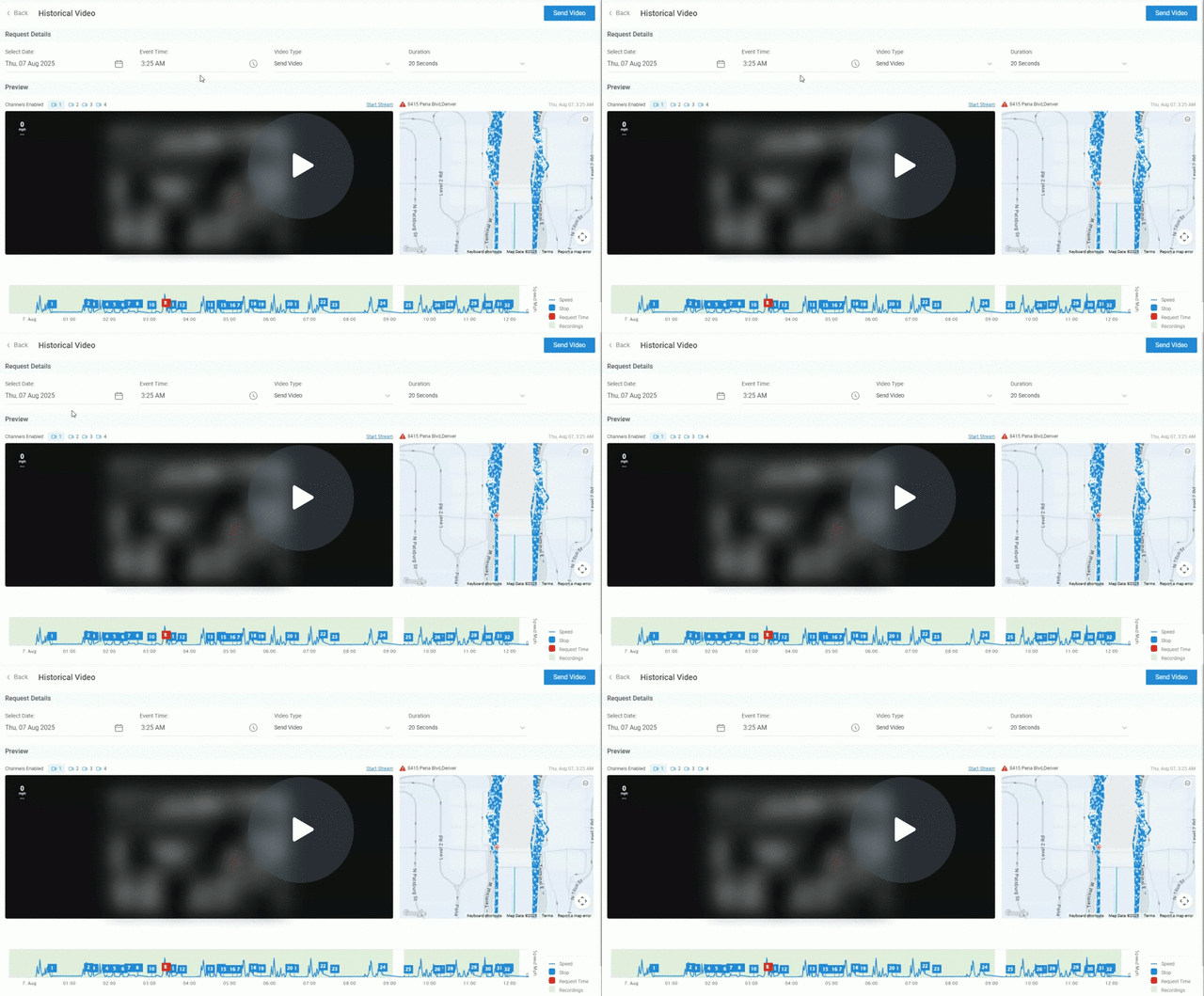
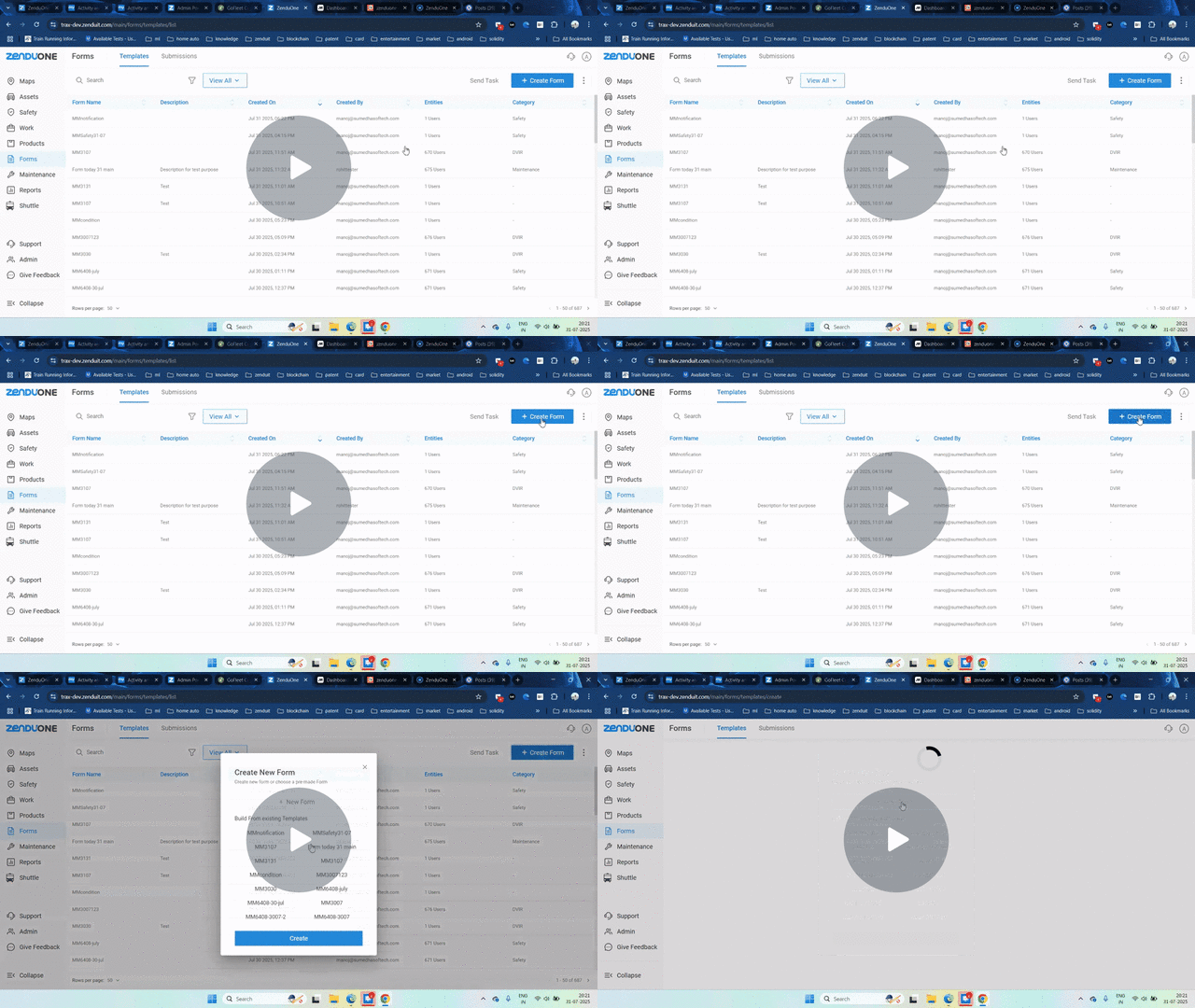
We’ve introduced a new Safety Form Category feature that allows you to create safety-specific forms. Any submission from these forms will automatically generate a safety exception, with customizable severity levels and optional penalties that impact driver scores.
Key Updates
- New Safety category option when creating forms.
- Automatic Safety Exception creation upon form submission.
- Set severity levels (None, Low, Moderate, High, Critical).
- Option to apply penalties directly to driver scores.
- Ability to capture supporting details such as date/time, photos, assets, and driver location.
- Automatic rule creation in Safety Management with severity linked to the form.
Why It Matters
- Simplifies tracking and managing safety incidents.
- Ensures all safety-related events are logged in a consistent, standardized way.
- Improves driver accountability by linking safety exceptions to driver scores.
- Provides richer, evidence-backed safety reports with photo, asset, and location data.
- Helps fleet managers identify and address high-risk behavior quickly.
Watch Video
Stay Updated with Instant Form Submission Notifications
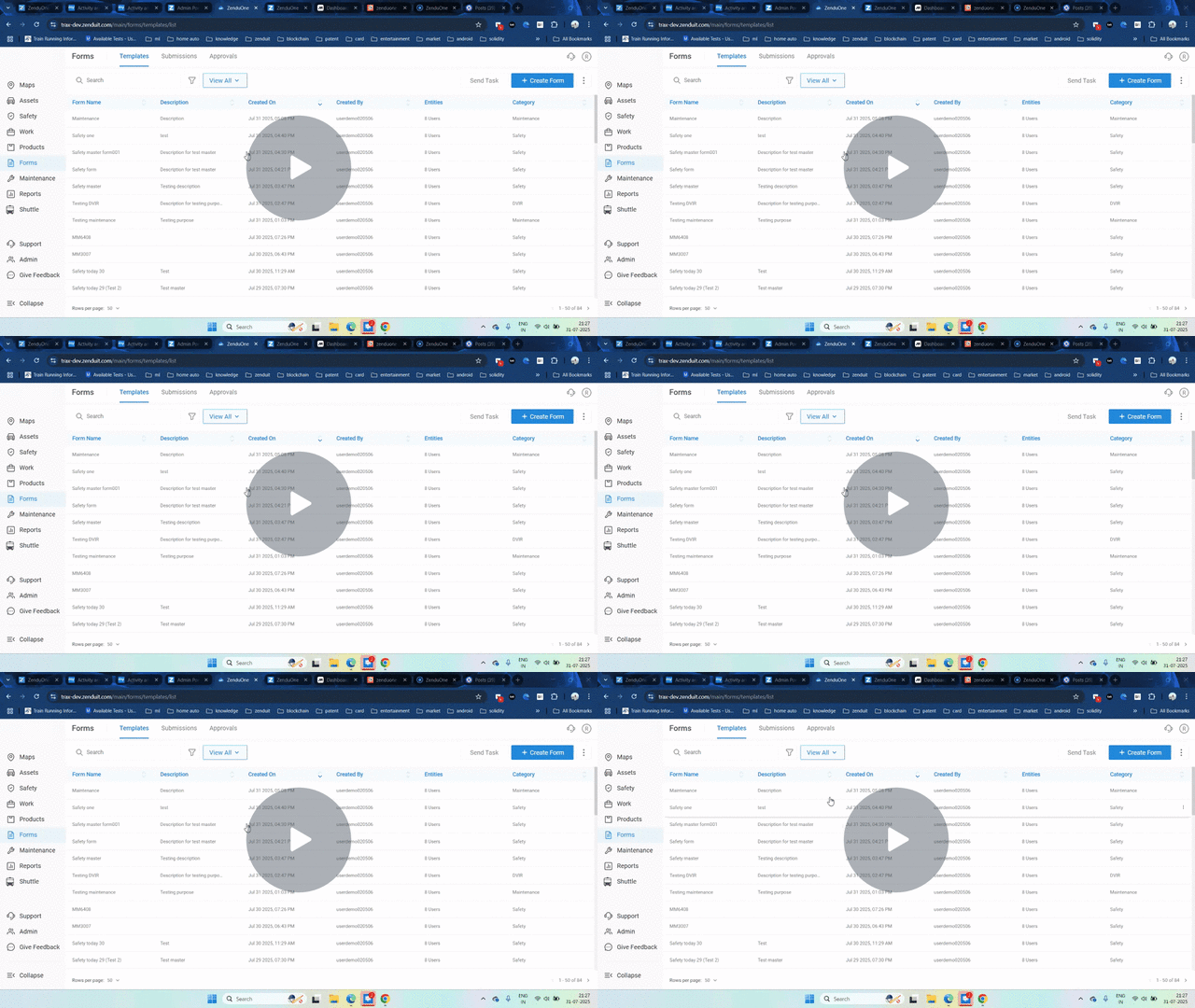
A new form submission notification feature allows you to instantly receive alerts whenever a form is submitted. Notifications can be sent via email or SMS to specified recipients, ensuring real-time awareness of all submissions.
Key Updates
- Added event notification option for forms.
- Supports multiple notification types: Email and SMS.
- Ability to add multiple recipients, including drivers or custom email addresses.
- Notifications are triggered for each submission in real time.
Why It Matters
- Improves response time by ensuring you never miss a form submission.
- Enables better operational tracking and accountability.
- Flexible setup allows notifications to be sent to relevant team members instantly.
Watch Video
Bring Your Microsoft Users Straight into Platform
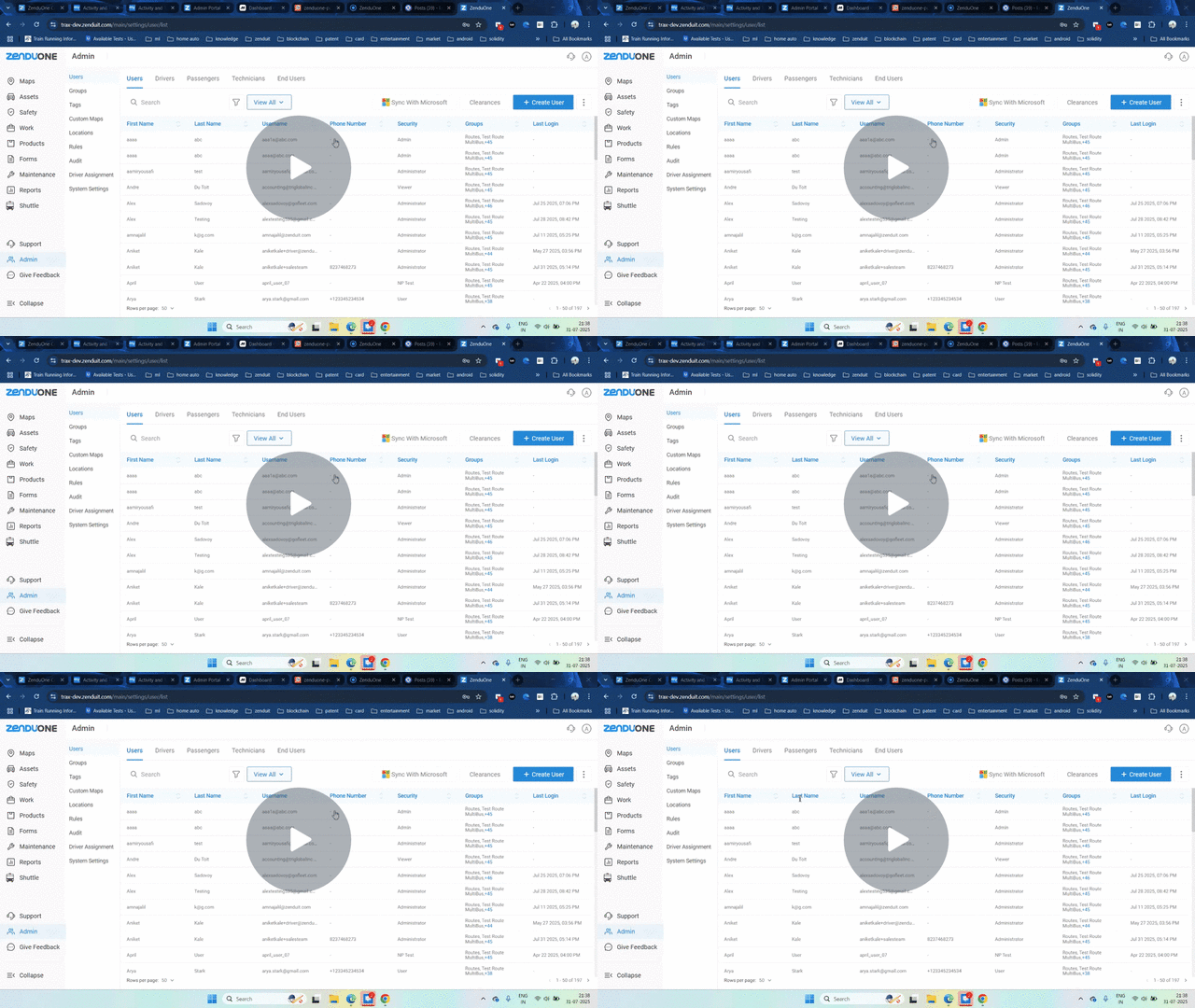
The new Sync with Microsoft feature allows admins to directly import users and groups from Microsoft Entra ID (Azure) into the platform, making user management faster and more efficient.
Key Updates
- Added Sync with Microsoft option on the Users page.
- Enables importing users and groups from Microsoft Entra ID (Azure).
- Requires admin rights in both Microsoft Entra and platform.
- Ability to select specific users/groups or import all.
- Manual sync process — must be repeated for new additions, due to Microsoft’s 24-hour key storage limit.
Why It Matters
This update streamlines onboarding by reducing the time spent manually adding users, ensures accuracy by pulling data directly from your Microsoft directory, and provides greater control over which accounts and groups are added to platform.
Watch Video
Smarter API Usage with the New Rate Limiter
A new API rate limiter has been introduced to control the number of public API calls per minute, ensuring fair usage and system stability.
Key Updates
- Public API calls are now limited to 150 requests per minute.
- If the limit is exceeded, the system will return a 429 (Too Many Requests) response.
- After hitting the limit, you must wait before resuming API calls.
- Users should ensure their integration accounts for this limit.
Why It Matters
- Maintains system performance and stability for all users.
- Prevents abuse or accidental overloading of the API.
- Encourages efficient API usage and optimized integration design.
Watch Video
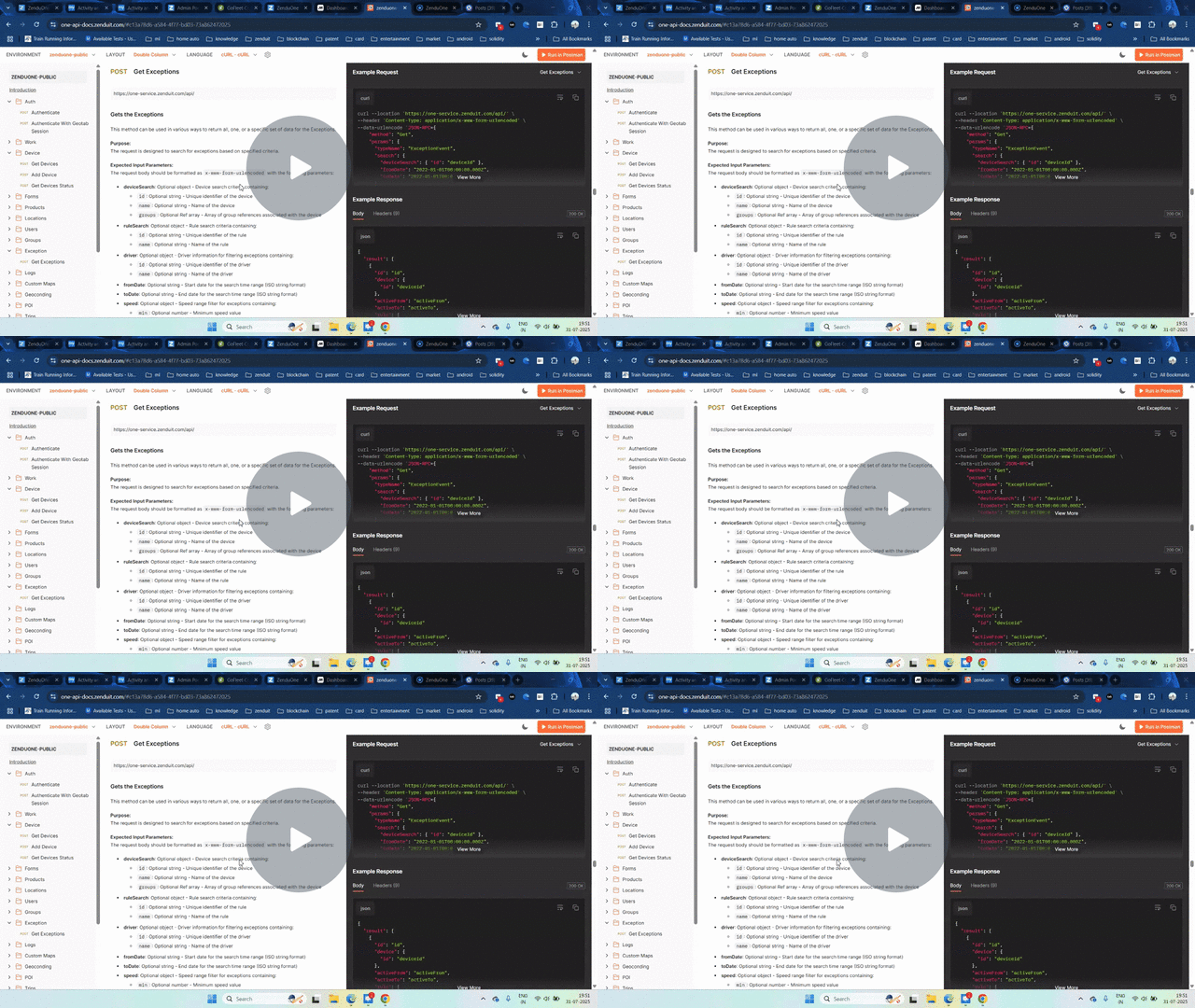
Feedback Made Simple
We’ve added a Give Feedback button to the platform, allowing users to quickly submit feature requests or log bugs directly within the interface. This streamlined feedback process ensures your input reaches our team faster and more efficiently.
Key Updates:
- New Give Feedback button accessible from the top navigation bar
- Two submission options:
- Feature Request – Suggest new features or enhancements
- Bug Report – Log issues or glitches
- Ability to add detailed descriptions and upload screenshots
- Submissions are sent directly to our backlog for review and prioritization
Why It Matters:
This feature simplifies communication between users and our product team. By enabling quick, in-platform feedback submission, it ensures that valuable suggestions and bug reports are captured in real time. This leads to faster resolution of issues, better prioritization of improvements, and a platform that evolves with user needs.
Watch Video
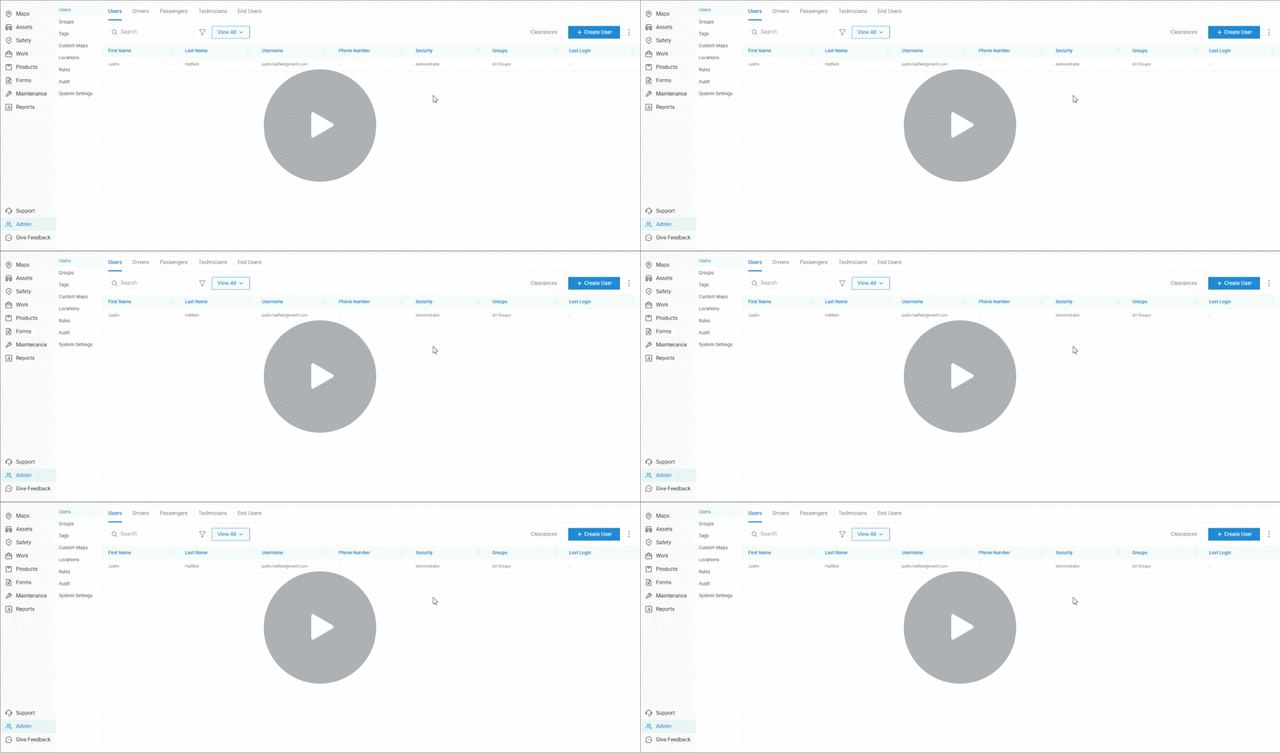
Help, Feedback, and Updates – All in One Widget!
We’ve introduced a new feature-based support widget that allows users to easily access help resources, provide feedback, view changelogs, and communicate with AI bot or live support — all directly within the platform.
Key Updates:
- Send messages directly to the support team
- Chat with the support AI bot for real-time assistance
- Leave feedback (submit feature requests or report a bug)
- Search and browse help articles via the knowledge base
- View changelogs including feature updates, reasons for changes, and video explainers
Why It Matters:
This update enhances the user experience by centralizing all support and help resources in one accessible widget. Whether you need instant answers, detailed articles, or want to stay informed on recent changes, you can now do it without leaving the platform — leading to faster resolutions, improved engagement, and better visibility into product updates.
Watch Video
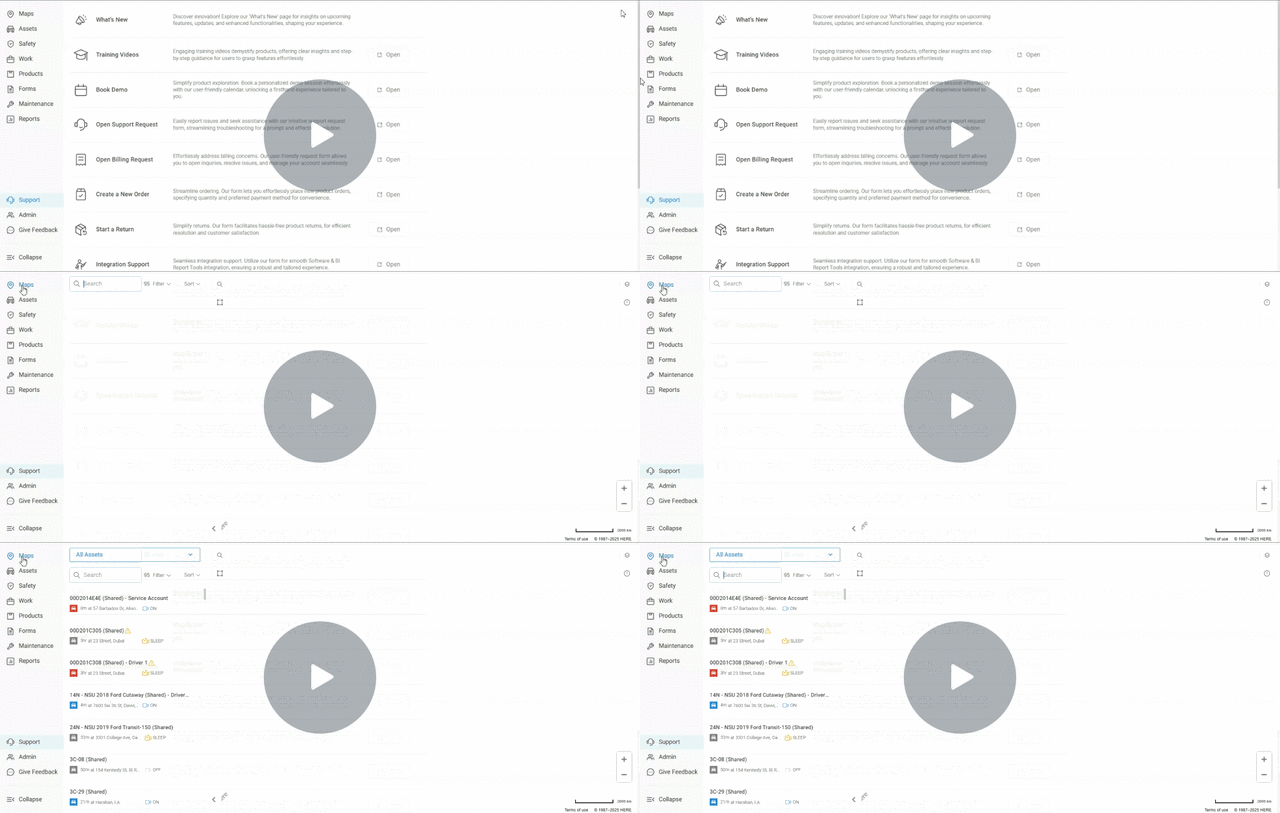
Live Stream Audio Control for Dispatchers and Managers
Admins now have enhanced control over live streaming audio settings, allowing them to enable or disable audio access specifically for dispatchers or managers. These settings can be customized directly from the user clearance page.
Key Updates
- Added option to enable/disable audio during live streaming
- Audio permissions can be configured separately for dispatchers and managers
- New settings are accessible via the Clearance Page → Users Tab
- Admins can create and save customized audio access profiles
Why It Matters
This feature gives organizations more granular control over privacy and monitoring policies. By managing who can hear audio during live streams, companies can align with internal protocols, enhance data privacy, and reduce unnecessary audio exposure, especially in sensitive environments.
Managing Audio Clearance On Livestream – Watch Video
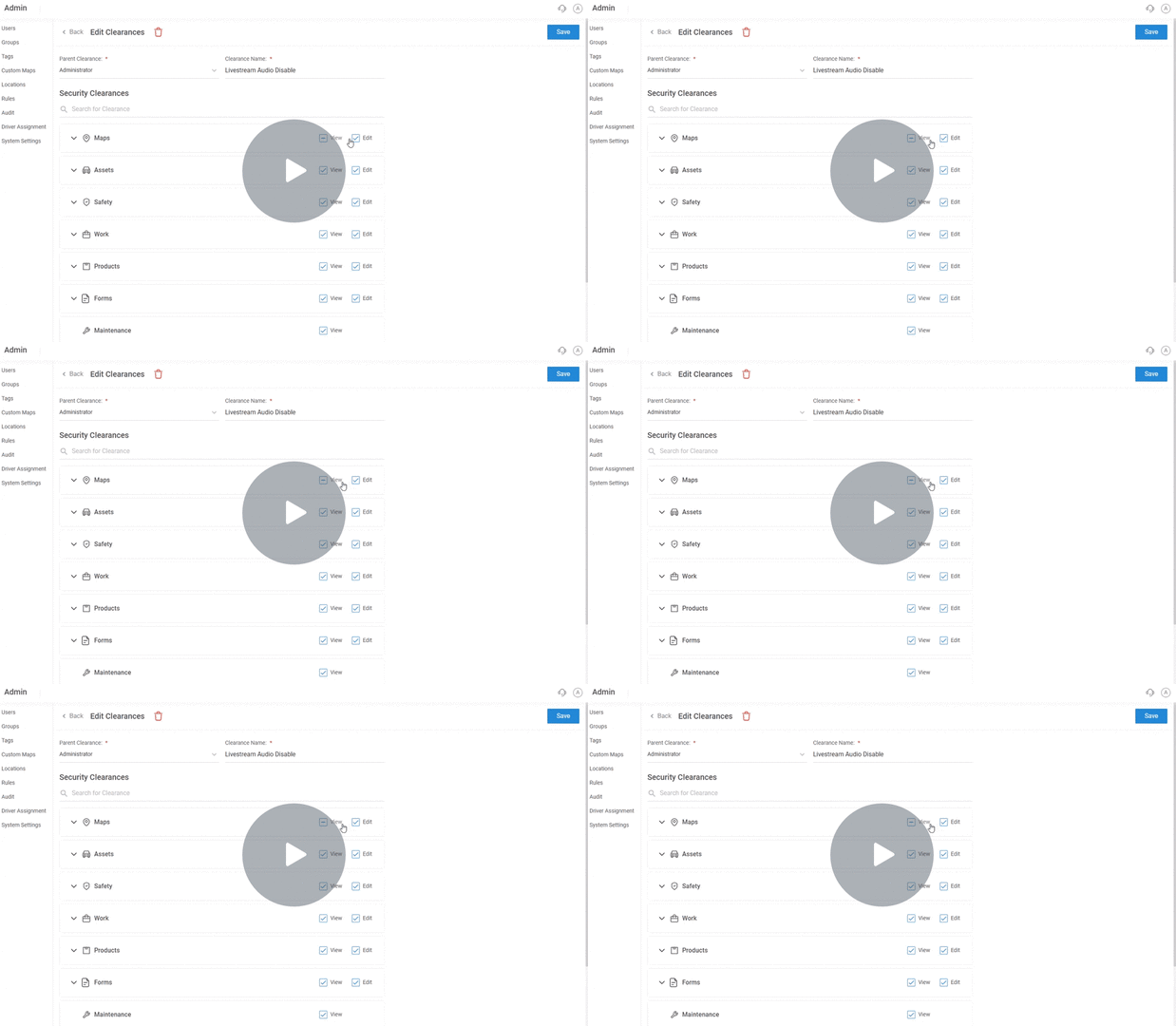
Quick Driver Access: Call Feature in Three-Dot Menu
Users can now initiate a direct call to the driver from the camera interface via the B.Option available on the asset list, allowing seamless communication without needing to leave the platform.
Key Updates:
- Initiate a call flow that notifies the driver of an incoming call
- Enables real-time two-way communication with the driver directly through the camera interface
- Allows continued platform navigation during the active call
Why It Matters:
This update enhances fleet communication by streamlining the process of reaching drivers. It reduces dependency on external devices or apps, enables immediate contact in urgent situations, and improves overall operational efficiency and safety by allowing users to stay within the platform while communicating with drivers.
Watch Video
About ZenduONE
We develop intelligent fleet and field service solutions by leveraging our expertise in IoT software development, fleet management, and consulting to help our clients see measurable results. We focus on improving efficiency, profitability, and overall success through the use of customizable telematics technology.
To learn more about ZenduiT’s products or offerings, please visit: www.zenduit.com or call +1.855.936.3848