Mississauga, ON – July 30, 2025 – We’re excited to share this month’s product updates from Zenduit, introducing a range of new tools and enhancements designed to improve your fleet management experience. Our latest updates focus on simplifying workflows, boosting operational efficiency, and enhancing safety across your fleet. From streamlined feedback tools and smarter data access controls to more intuitive reporting features, our improvements are designed to help you stay ahead in an ever-evolving industry.
As always, these updates reflect our commitment to continuous improvement, driven by your feedback and the evolving needs of your fleet operations.
Explore the latest updates below and see how Zenduit is empowering you to manage your fleet more effectively and securely!
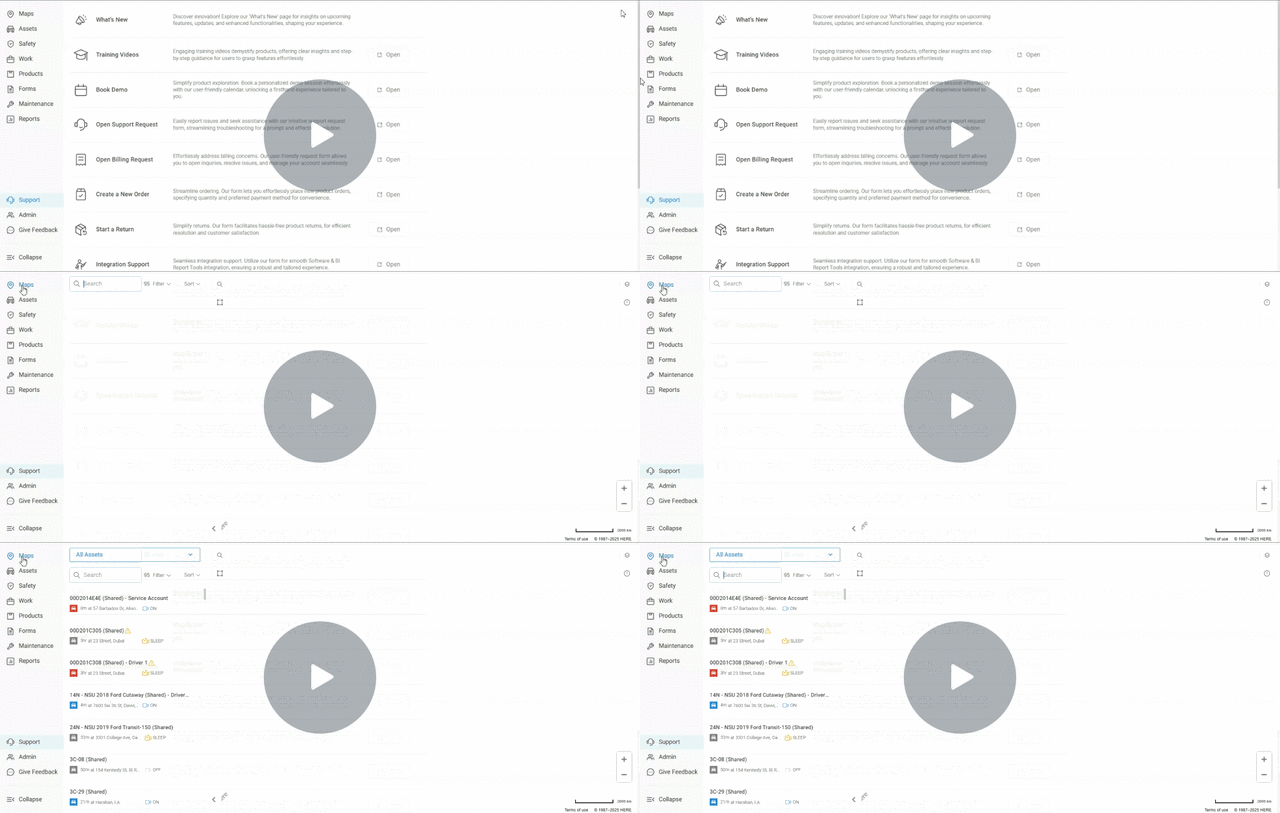
Help, Feedback, and Updates – All in One Widget!
We’ve introduced a new feature-based support widget that allows users to easily access help resources, provide feedback, view changelogs, and communicate with AI bot or live support — all directly within the platform.
Key Updates:
- Send messages directly to the support team
- Chat with the support AI bot for real-time assistance
- Leave feedback (submit feature requests or report a bug)
- Search and browse help articles via the knowledge base
- View changelogs including feature updates, reasons for changes, and video explainers
Why It Matters:
This update enhances the user experience by centralizing all support and help resources in one accessible widget. Whether you need instant answers, detailed articles, or want to stay informed on recent changes, you can now do it without leaving the platform — leading to faster resolutions, improved engagement, and better visibility into product updates.
Watch Video to Learn More →
Improved Driver Data Access Control
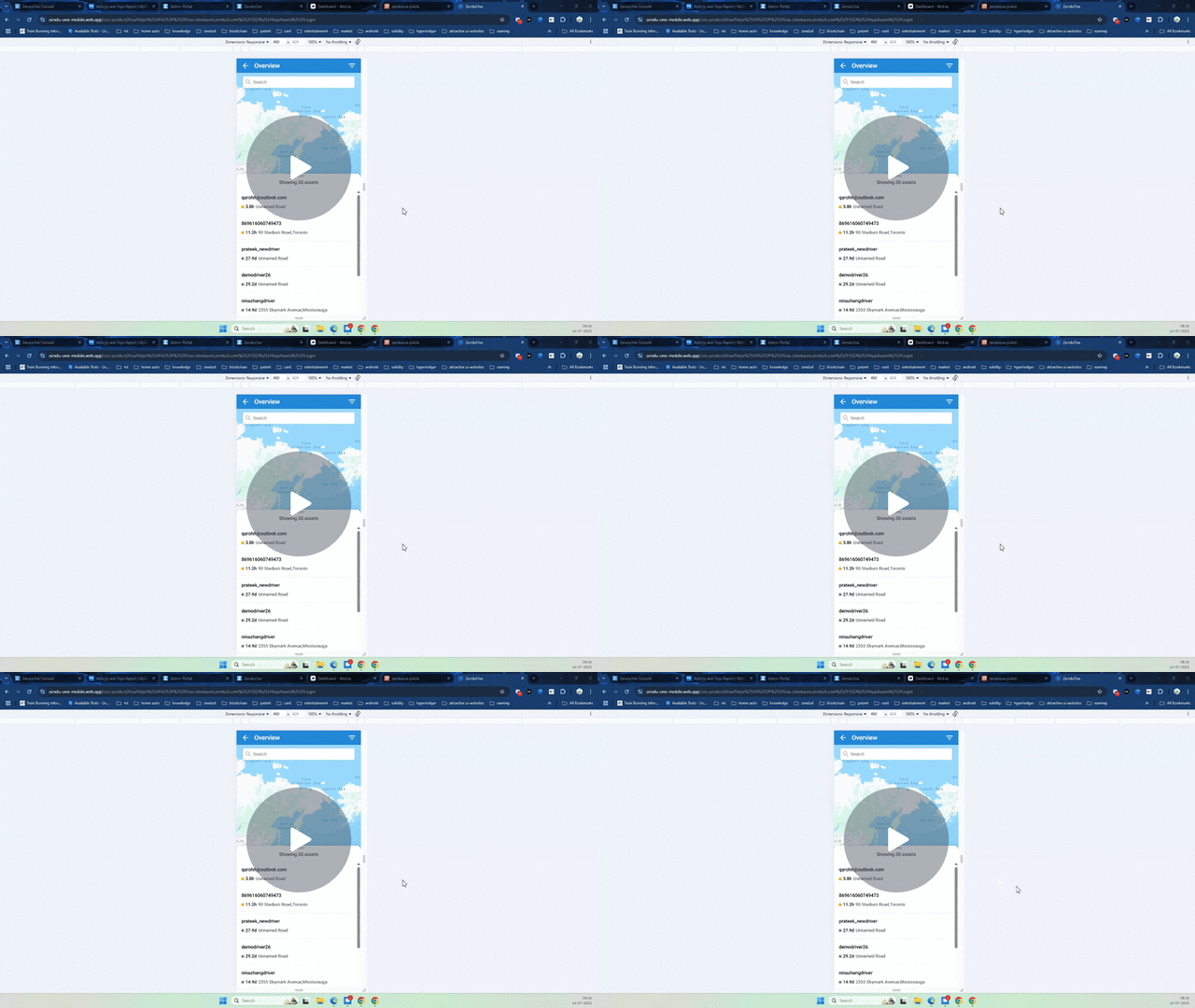
Drivers can now only view data related to the assets they’ve been assigned to, ensuring better privacy and data security.
Key Updates:
- Drivers will only see trips, asset details, and exceptions for the assets they were actively assigned to.
- Applies across both the driver mobile app and the web application.
- Prevents visibility into other drivers’ trip or asset data.
Why It Matters:
This update strengthens data privacy and ensures that drivers only access information relevant to their assigned vehicles — supporting compliance, clarity, and security.
Watch Video →
Smarter, Faster Forms: New Features to Boost Your Workflow
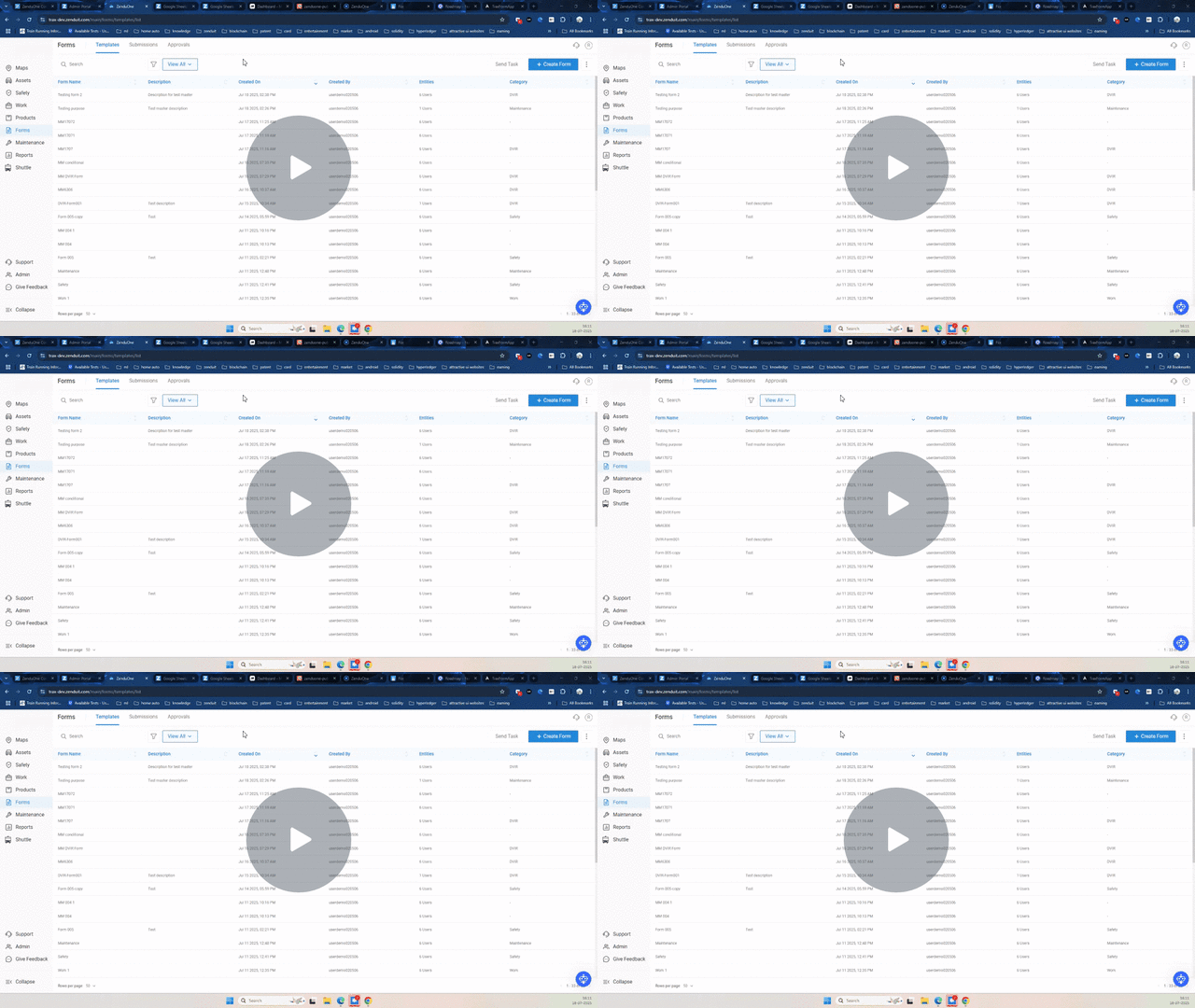
We’ve made powerful upgrades to the Forms module to improve form creation, automation, and driver experience — making inspections and maintenance reporting easier than ever.
Key Updates:
- Select form categories like DVIR or Maintenance to auto-generate service requests upon submission.
- Use editable DVIR templates with a built-in list of common defects.
- Require walk-around photos and allow comments for each defect as needed.
- Classify defects as minor, major, or unregulated to reflect urgency in service handling.
- Apply conditional logic to show or hide fields based on user input (e.g., trip type = pre-trip).
- New advanced fields auto-fill driver location, odometer, asset info, and more — when using the mobile app.
- Add a product selection field with simple drag-and-drop.
- Admins can now edit submitted forms; updates are reflected instantly.
Why It Matters:
These improvements give you more control over how forms are built and used, reduce manual input for drivers, and ensure maintenance and safety workflows stay efficient and responsive.
Watch Demo →
New Group-Level Safety Report
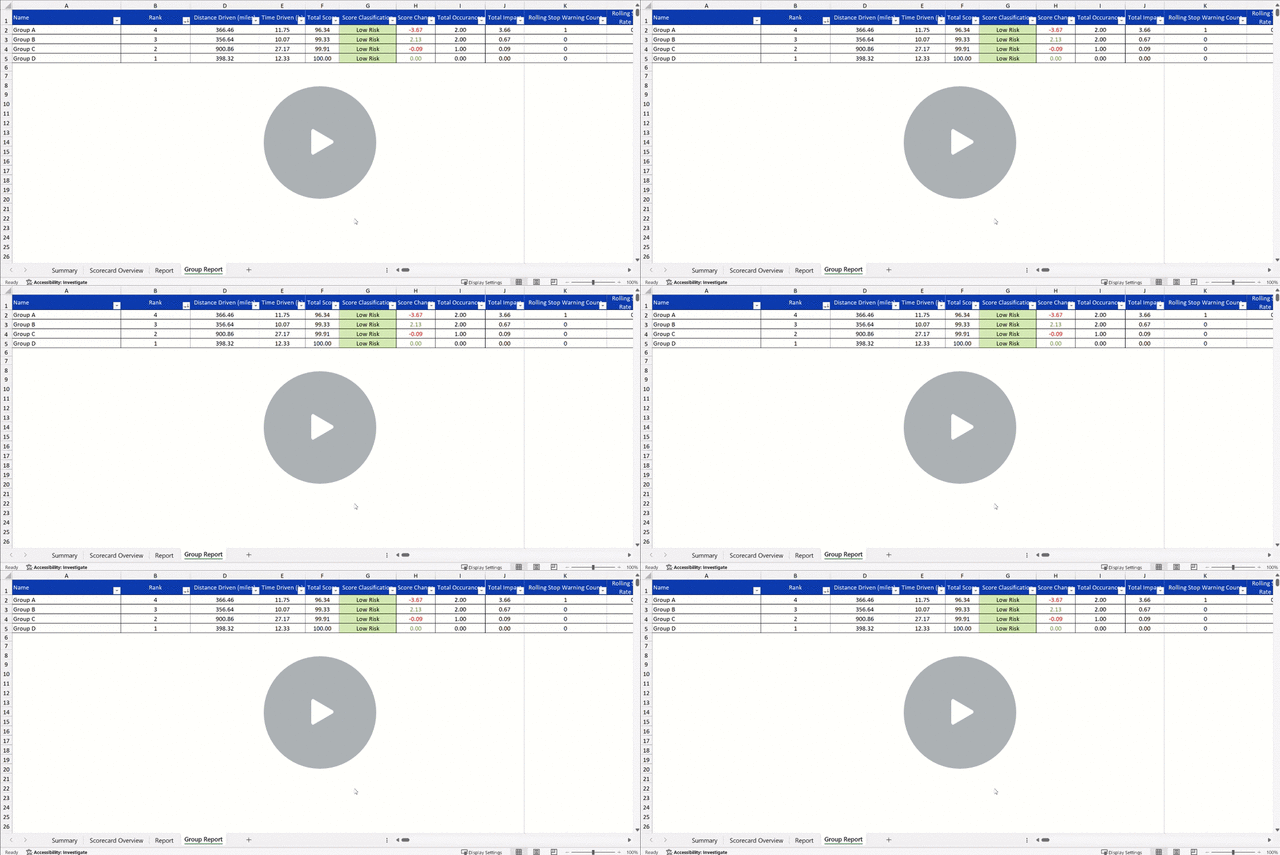
We’ve expanded the Safety Report to include a new group view — giving you a consolidated safety performance summary by driver groups.
Key Updates:
- A new Group Report is now available alongside the existing driver-level and summary reports.
- View safety scores aggregated by group, region, or business unit.
- Each group’s report includes:
- Total distance driven
- Total drive time
- Group safety score
- Group ranking
- Offers a clearer view of performance trends across teams or locations.
Why It Matters:
This new report helps you track safety performance not just by individual drivers, but by group — making it easier to identify strengths, address risks, and coach at scale.
Add Group Report & Decimal Precision to Fleet Safety Report – Watch Demo →
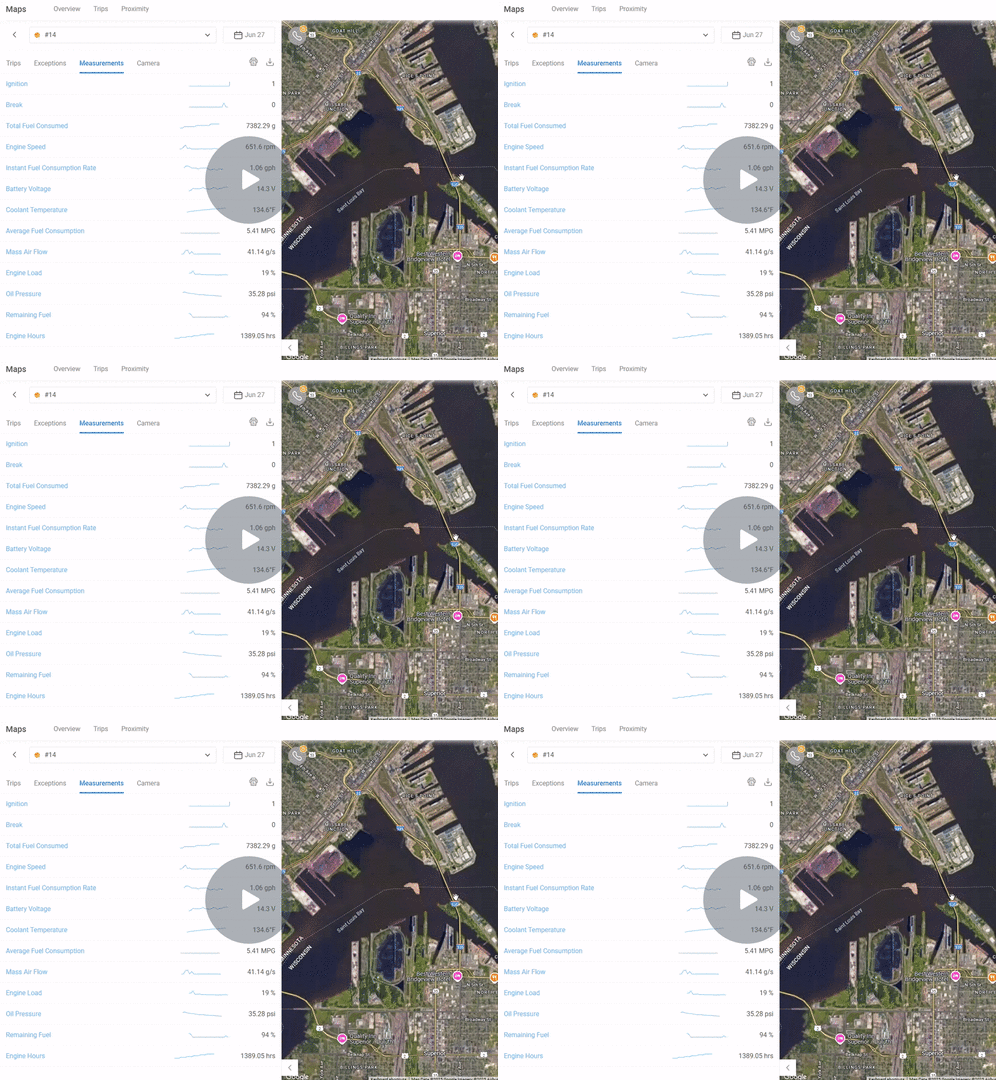
Introducing Additional Vehicle Measurements with ZenCAM and Diagnostic Box
We are excited to introduce new vehicle measurements available when using ZenCam with the diagnostic box. The latest additions include remaining fuel, total fuel consumed, constant fuel consumption rate, and average fuel consumption. With these new metrics, you’ll have more comprehensive insights into your vehicle’s health, fuel efficiency, and performance, helping you plan for maintenance activities more effectively.
To ensure compatibility, please check our knowledge base to verify which makes, models, and years support these additional measurements. This will help you understand what data you can access with the ZenCam and diagnostic box.
Why It Matters:
This update enhances your ability to monitor vehicle performance by providing additional fuel-related metrics. These insights allow for better maintenance planning and more informed decision-making regarding your fleet. By having access to detailed fuel consumption data, users can optimize vehicle usage and reduce the risk of costly repairs or inefficiencies.
Watch demo to learn more →
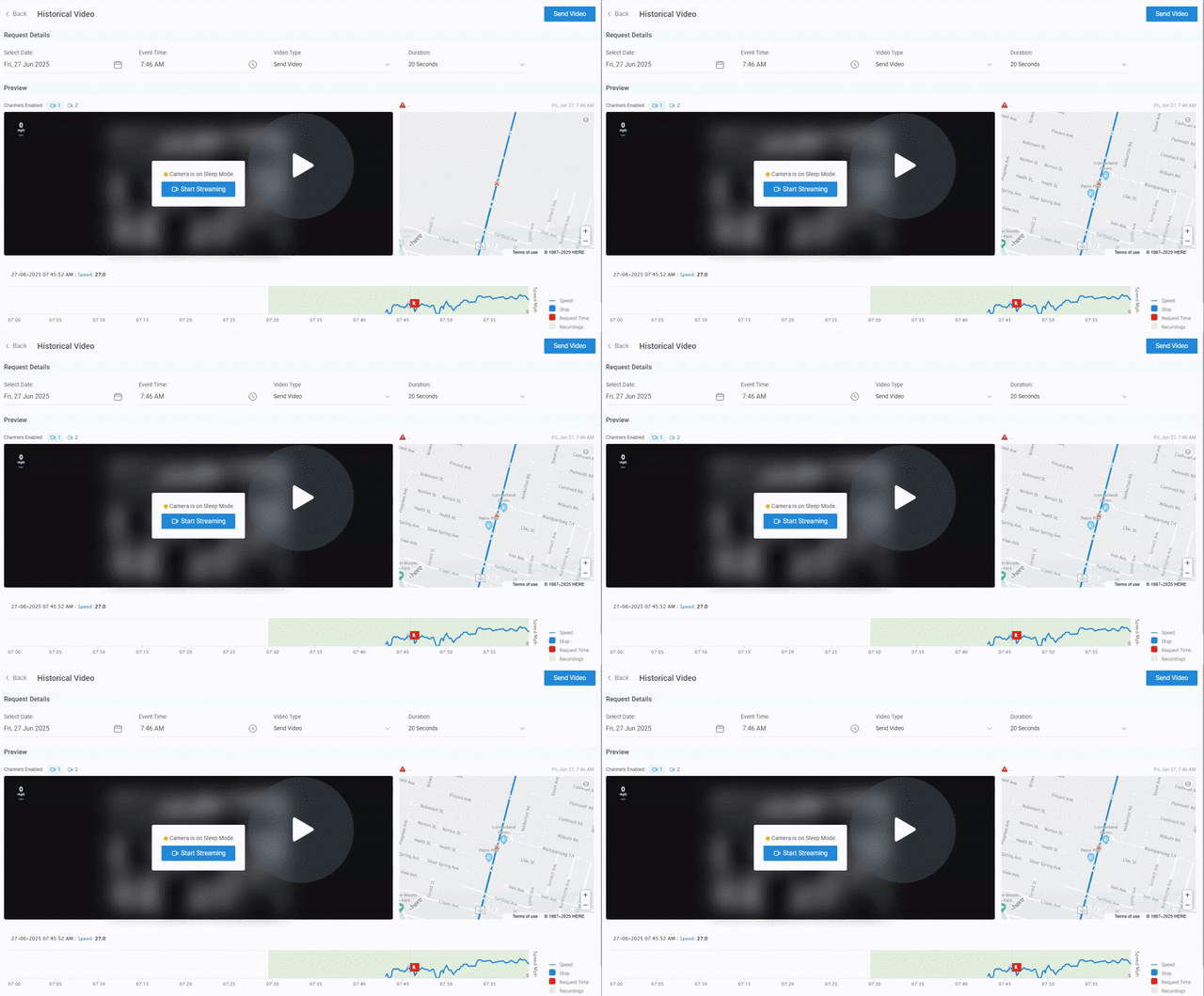
Improved Historical Streaming with Camera Sleep Mode Notification
We’ve enhanced the historical streaming experience for your camera feeds. Now, when attempting to stream historical footage while the camera is in sleep mode, a tooltip will appear to inform you that the camera is in sleep mode and needs to be awakened for streaming. Once the streaming application is initiated, it will take approximately two minutes for the feed to initialize before you can start viewing the historical footage.
This update ensures users are aware of the camera’s status and the brief delay before the historical feed becomes available.
Why It Matters:
This update improves the clarity of the historical streaming process by providing users with real-time feedback on the camera’s status. With the added notification and expected delay for initialization, users can plan accordingly and avoid confusion while accessing historical footage. The smoother transition to streaming enhances the overall experience, ensuring you get the video you need without unnecessary interruptions.
Watch Demo →
About ZenduONE
We develop intelligent fleet and field service solutions by leveraging our expertise in IoT software development, fleet management, and consulting to help our clients see measurable results. We focus on improving efficiency, profitability, and overall success through the use of customizable telematics technology.
To learn more about ZenduiT’s products or offerings, please visit: www.zenduit.com or call +1.855.936.3848